28 content blocks
Text and images, plus blocks made for Japanese blogs.
Speech bubbleBoxes (point, caution, memo)Blog cardRankingRatingSupervisorRecipeItinerarySwatchesSavings calculatorShop linksComparison tableContentsFAQ
Plikli is a CMS for blogs and media sites in Japan: blocks and themes made for Japanese blogs, SEO and affiliate tools, comments and several sites, in one admin. It imports WordPress posts, images and SEO settings, and creates 301 redirects where URLs change.
The features of popular plugins are built in from the start. Start wherever you like.
Build posts from blocks and schedule them. Speech bubbles, boxes, blog cards and rankings, the parts Japanese blogs use most, are there from the start.
All the blocks →Text and images, plus blocks made for Japanese blogs.
Pick a time and the post goes live then. The time in the site’s time zone is shown too.
Every save keeps a version you can restore.
The editor suggests older posts worth linking to.
Save a typo fix as a small edit and the “updated” date stays put.
Author profiles with archive pages, and more than one author per post.
Drag in many files at once. WebP sizes are made for you, and deleting an image a post still uses asks you twice.
Missing alt text, vague link text and similar gaps are flagged before you publish.
Trash, bulk author changes and bulk URL changes with 301 redirects.
Replace wording across every post, with a preview first and revisions kept. Posts can be duplicated too.
Structured data and sitemaps are generated for you. Posts that need work are listed from your Search Console data.
More on SEO →Plikli lists posts that show in search but get few clicks, and posts just short of page one, from your Search Console data. AI (Anthropic’s Claude) suggests titles, descriptions and outlines. You decide what to use; the AI never publishes anything.
Verify ownership, submit the sitemap and see search performance from the admin.
New and updated posts are sent to IndexNow search engines such as Bing automatically.
Outside links and images in your posts are checked on a schedule, and broken ones are listed by post.
LCP, INP and CLS from real readers, per post.
Per-post titles and descriptions, canonical URLs, structured data, sitemaps and RSS, generated for you. Thin tag archives are noindexed and left out of the sitemap.
Changing a URL creates its 301, and you can see how often each rule is used.
Edit the files search engines and AI crawlers read, from the admin.
Start an editorial policy (with an operator section), a research-method page and a privacy policy from templates, as drafts.
Shop links, ads, your store and analytics, all set up in the admin.
More on earning →Buttons for Amazon, Rakuten and Yahoo! Shopping in one block. Rakuten items have their price and stock refreshed regularly.
Ranking, rating and comparison-table blocks for reviews and roundups.
Place in-article ads at the start, middle or end (Pro and up).
Show store products in posts, and publish to your Shopify blog too (Pro and up).
Show a PR notice (for example “This article contains promotions”) at the top of every post, for Japan’s stealth-marketing rules. Off by default; the wording is yours.
GA4, Tag Manager and Google Ads, behind a consent banner, with a page for Japan’s external-transmission rules.
Japanese themes for personal blogs, affiliate sites, recipes, travel, money and more. Every theme builds its pages on the server.
More on themes →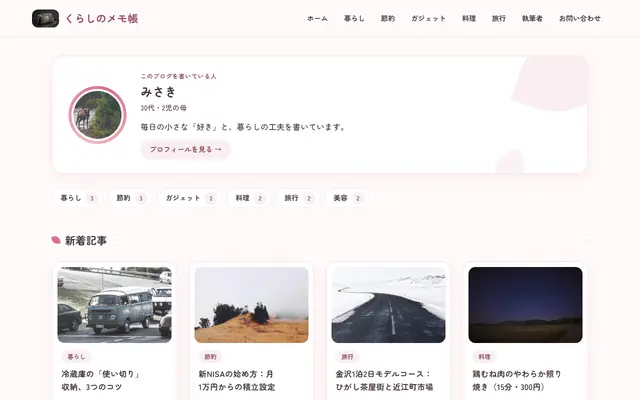 Hanabira
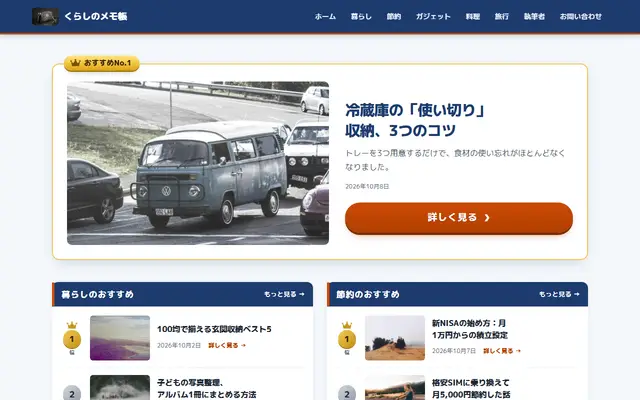 Kachi
Kachi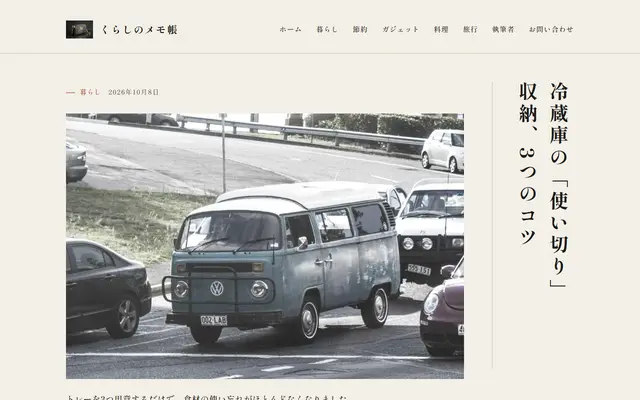 Sumi
Sumi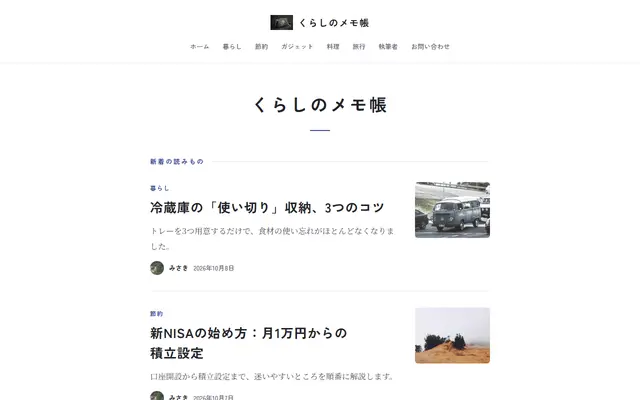 Tsuzuri
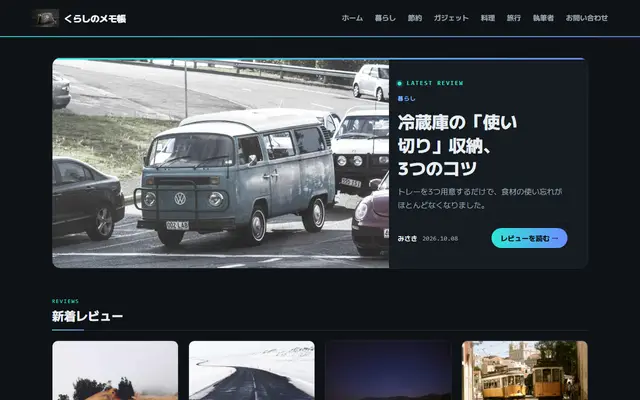 Spec
Spec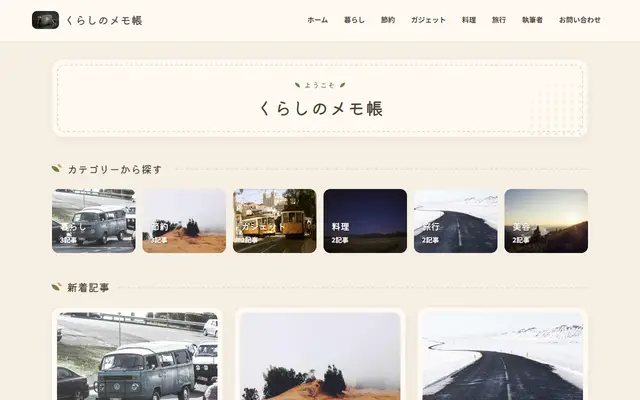 Kurashi
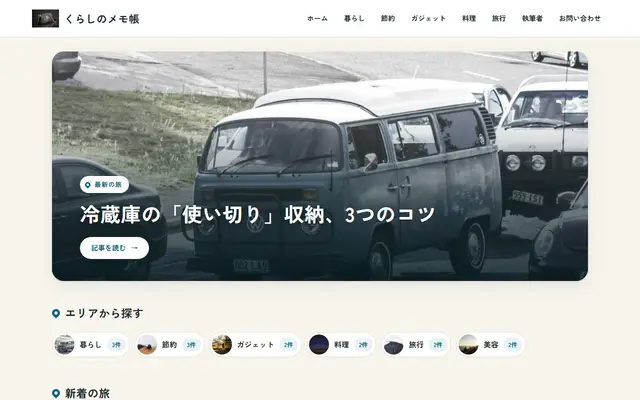 Tabi
Tabi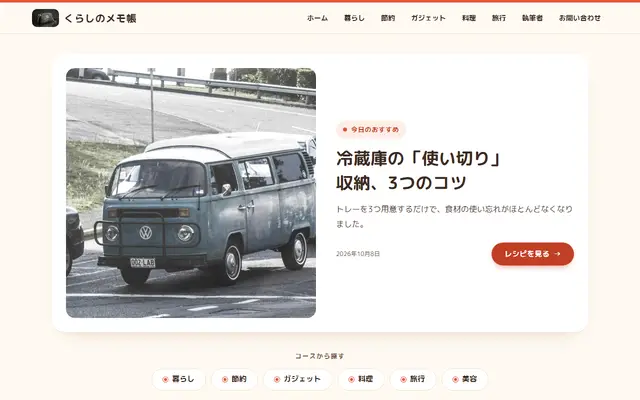 Kondate
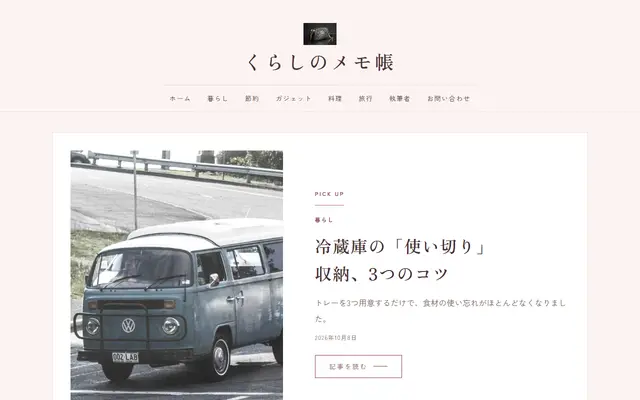 Cosme
Cosme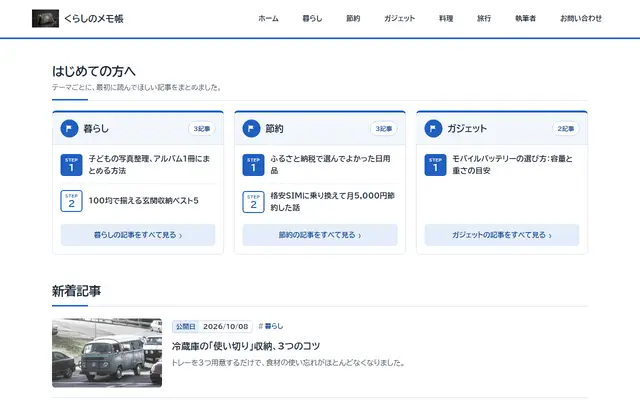 Shikin
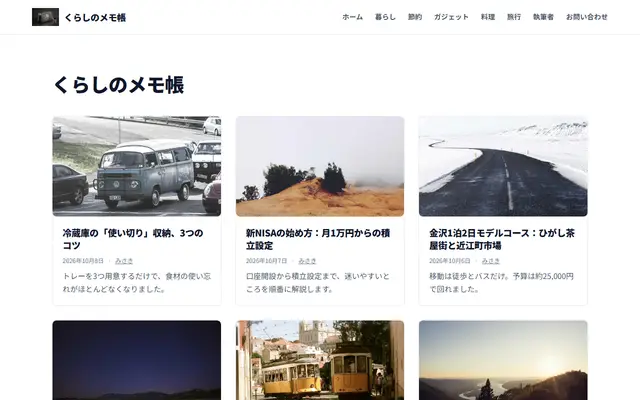 Editorial
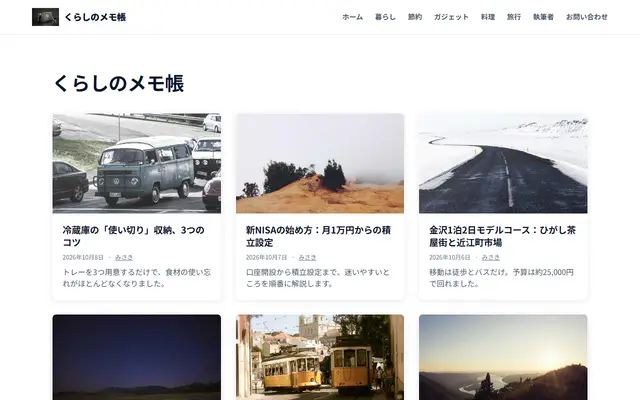 Catalogue
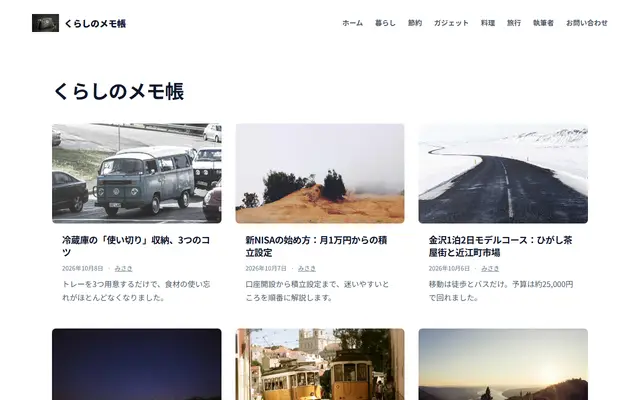 Journal
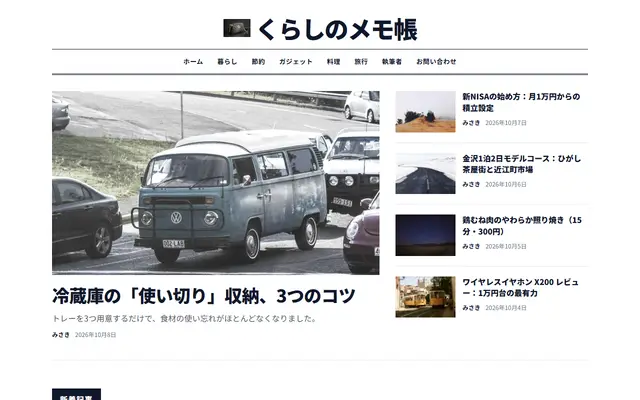 Magazine
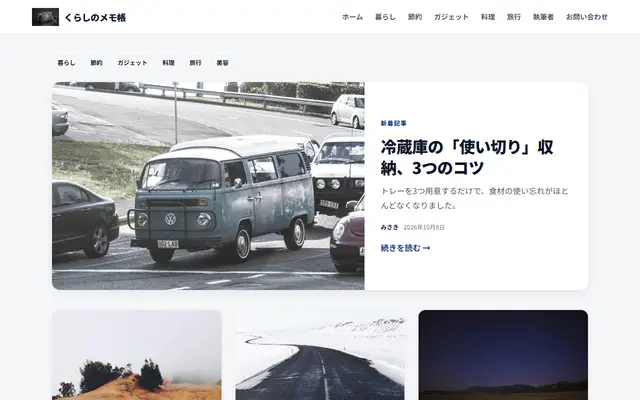 Grid
Grid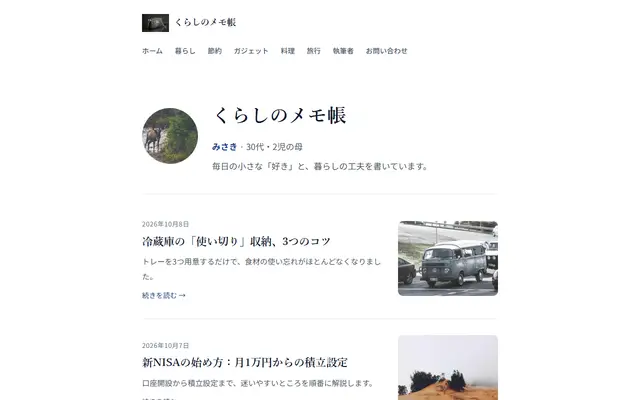 Personal
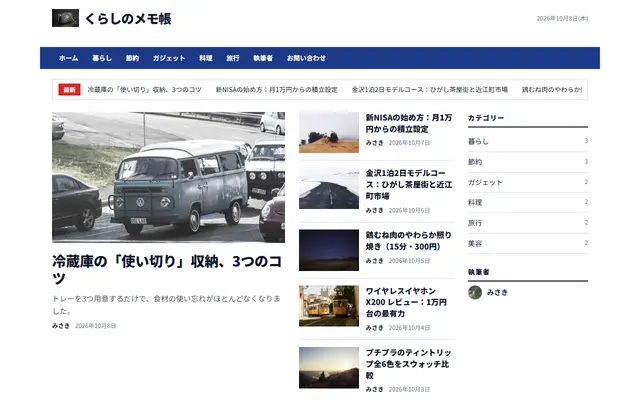 News
News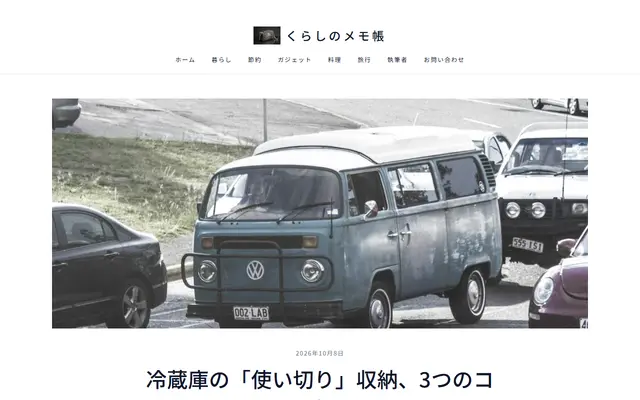 Minimal
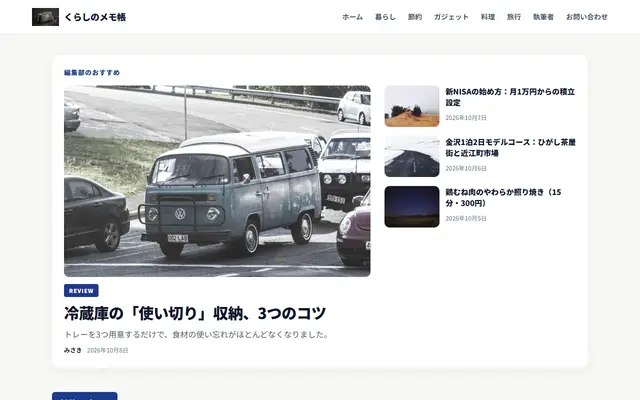 Review
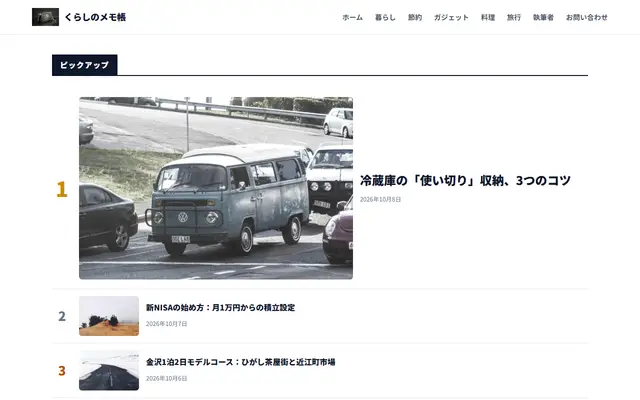 Ranking
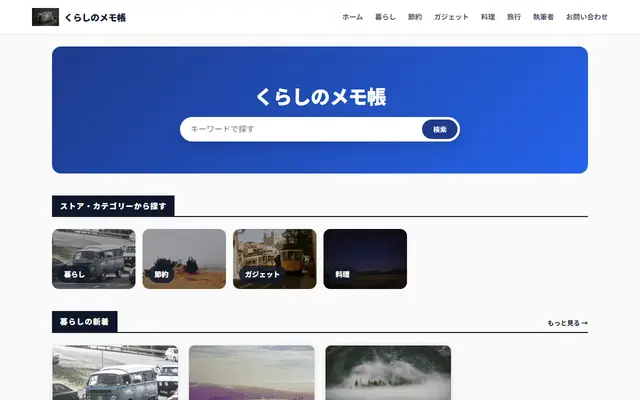 Shop Guide
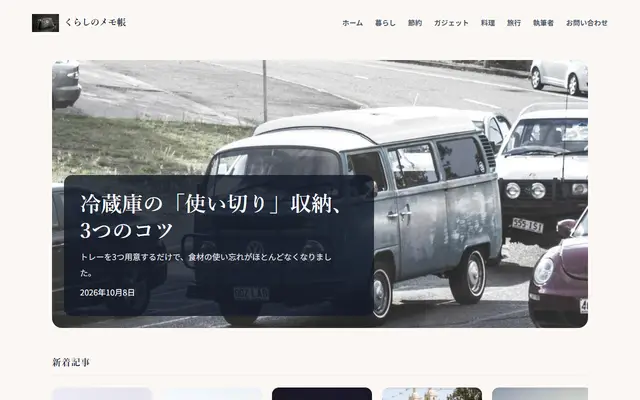 Lifestyle
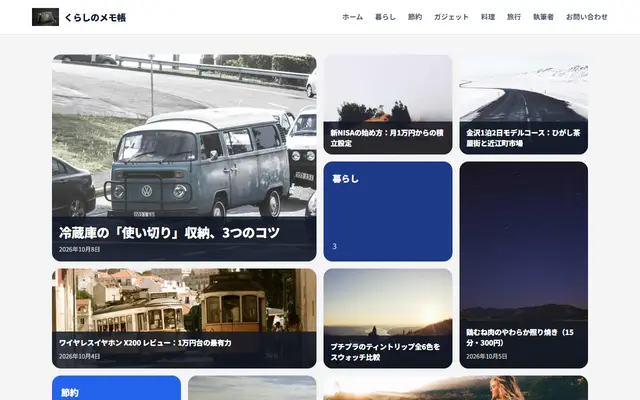 Bento
Bento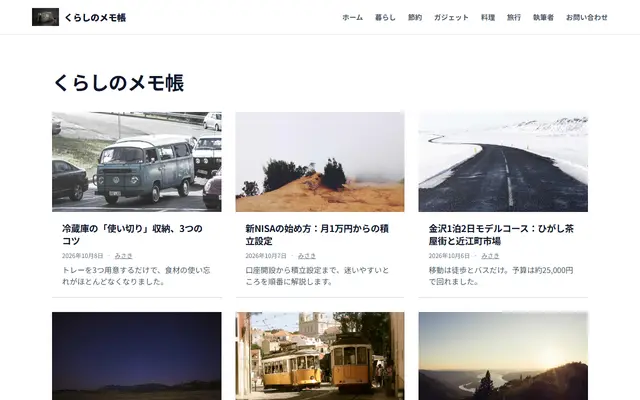 Compact
Accent colour, gothic, mincho or rounded type, text size, card style and homepage sections.
Share buttons (X, LINE, Hatena, Facebook, copy link), reading time, an automatic contents list before the first heading, a floating contents button, a button bar on phones, tap-to-zoom images, related and most-read posts.
Several sites on one account, with roles, comments, contact messages and security settings in the admin.
More on security →Run several sites from one login, each on its own plan.
Owner, administrator, editor, author, contributor and viewer, set per site.
Moderated or open (off by default). Readers give a name and a comment; no email or IP address is stored.
Authenticator app plus backup codes. A password reset signs out every device.
Changes to posts, media, settings, people, domains, keys and exports are recorded.
Messages from your site’s contact page land in the admin.
Deliver posts as JSON through the content API, with API keys for private sites (keys on Pro and up).
Posts, settings and images as a ZIP, including a file WordPress can import (WXR).
Posts, pages, categories, tags, authors, images, SEO settings and approved comments. URLs stay the same when your permalink structure fits, and get a 301 when they change.
Give the site address and an application password, or the export file. See counts and URL structure before anything is written.
Images are copied, internal links rewritten, and alt text and captions brought along. Pause, resume or undo at any point.
Sync once more right before switching DNS (REST connection), then point your domain at Plikli (custom domains on Pro and up).
All prices include consumption tax. New sites get Pro free for 14 days, no card needed.
Tell us about your current site. We’ll read it and email you an invite link.
How we handle what you send: see the privacy policy.